OneGoodLook for Event Venues
Help couples and planners picture their event.
Planners shortlist venues online, often before they ever visit. A walk-through shows the flow from arrival to ceremony to reception, so your venue makes the shortlist.
Get your video, $149 CAD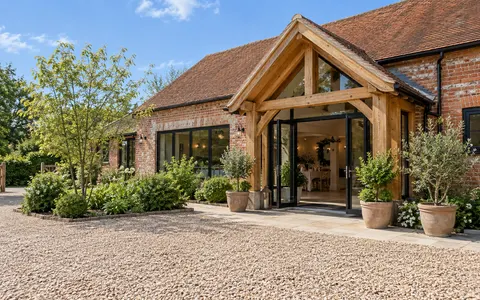 1 · Approach and exterior
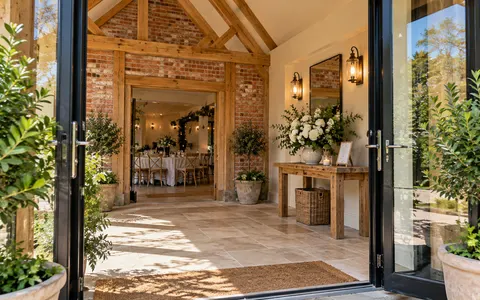 2 · Entrance
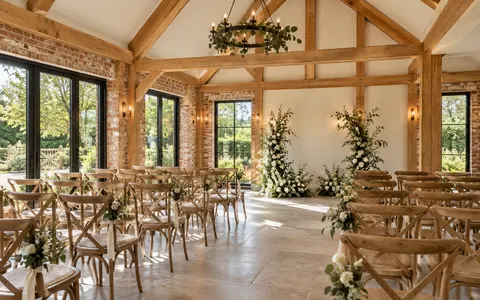 3 · Ceremony space
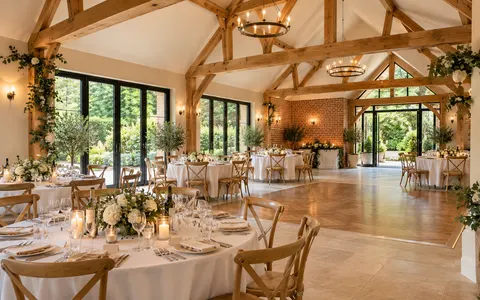 4 · Reception hall
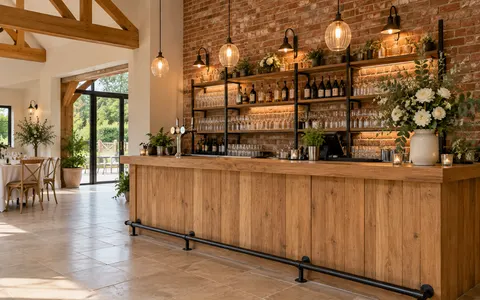 5 · Bar
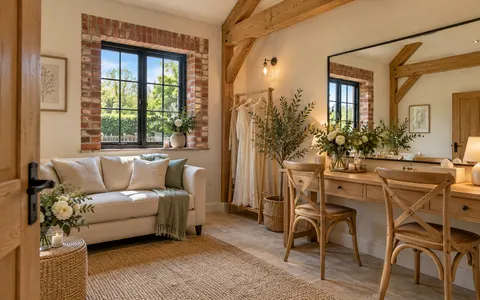 6 · Bridal or green room
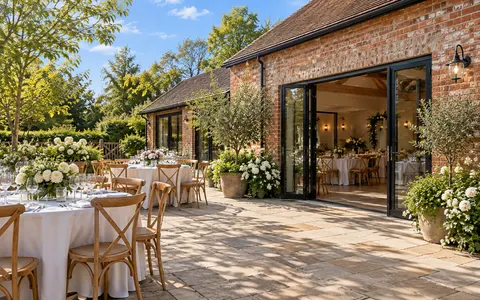 7 · Garden or terrace
- Add photo8 · Tables set for an event
After you order, you’ll send a photo for each scene. The photos shown are examples.
Where it works hardest
Put it where your customers are already looking.
Your enquiry page
Show the space right where people ask about dates.
Replies to new enquiries
Send the link with your first reply so planners can share it with their group.
Instagram and wedding planning sites
Vertical for Reels, widescreen for your listings and website.
How it works
- 1
Send your photos
Use the shot list above as a guide. Photos you already have are perfect.
- 2
We make your video
Each photo becomes a cinematic scene, cut together with music.
- 3
Post it everywhere
Widescreen and vertical versions, delivered in 3–5 business days.
Popular add-ons for Event Venues
Make it even better.
+$99 each
Another space or location
A video for each room, or one for a wedding setup and one for corporate.
Add to my order+$49 per video
More scenes
Room for every space a guest moves through on the day.
Add to my order+$39
Branded intro & end card
Your logo and “Book a tour” at the end.
Add to my order
Photo tips
No photographer needed.
Shoot landscape
Hold your phone sideways. We make the vertical version from it.
Stand in a corner or doorway
Shooting across the room shows depth, which makes the camera moves feel real.
Turn the lights on
Shoot in daylight with the blinds open and every light on.
Clear the clutter
Tidy counters, tuck away cables and straighten the chairs.
Questions
Should we use empty or dressed photos?
Both help. Empty rooms show the space, and dressed tables help people picture their own event.
Can we show different layouts?
Yes. Add another video and send photos of each setup.
What does it cost?
Your walk-through video is $149 CAD, with optional add-ons you can choose at checkout.